
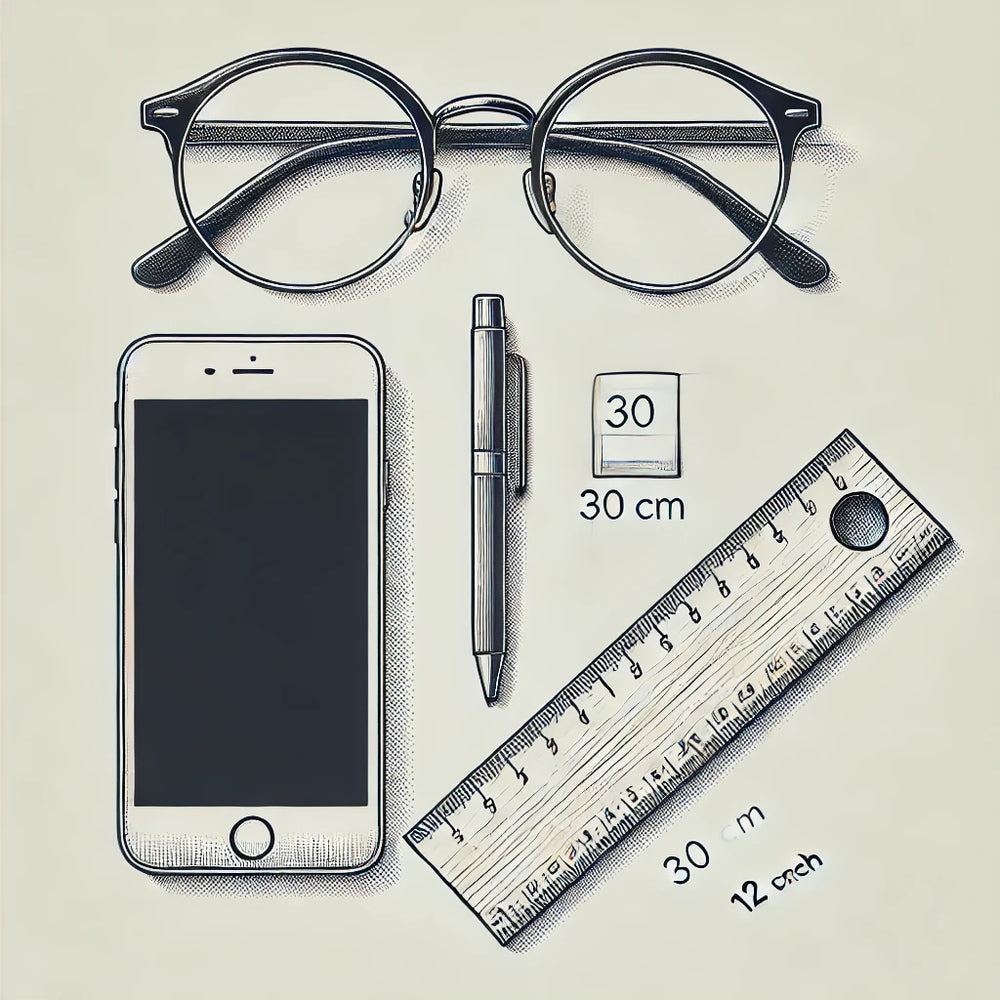
Step 1
Prepare your equipment
Gather a ruler with millimeter markings and a smartphone or camera. Choose a well-lit place to avoid shadows on your face. Wear your eyeglasses.
PD measurement photos
Follow the same ruler-and-photo method below so our team can check your PD. Keep your head straight and the camera at eye level.
Already taken your pictures? Submit them here with your name, email address and order number.
Use a ruler with millimeter markings and keep both your pupils and the ruler clearly visible.
Step 1
Gather a ruler with millimeter markings and a smartphone or camera. Choose a well-lit place to avoid shadows on your face. Wear your eyeglasses.
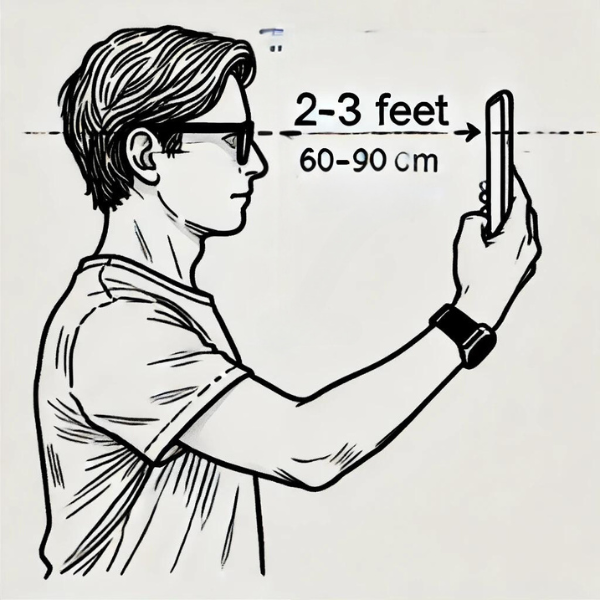
Step 2
Stand or sit comfortably. Hold the camera at arm’s length, approximately two feet away, at eye level. Center it directly in front of your face—not to either side, above or below. Keep your head straight and look into the camera lens.
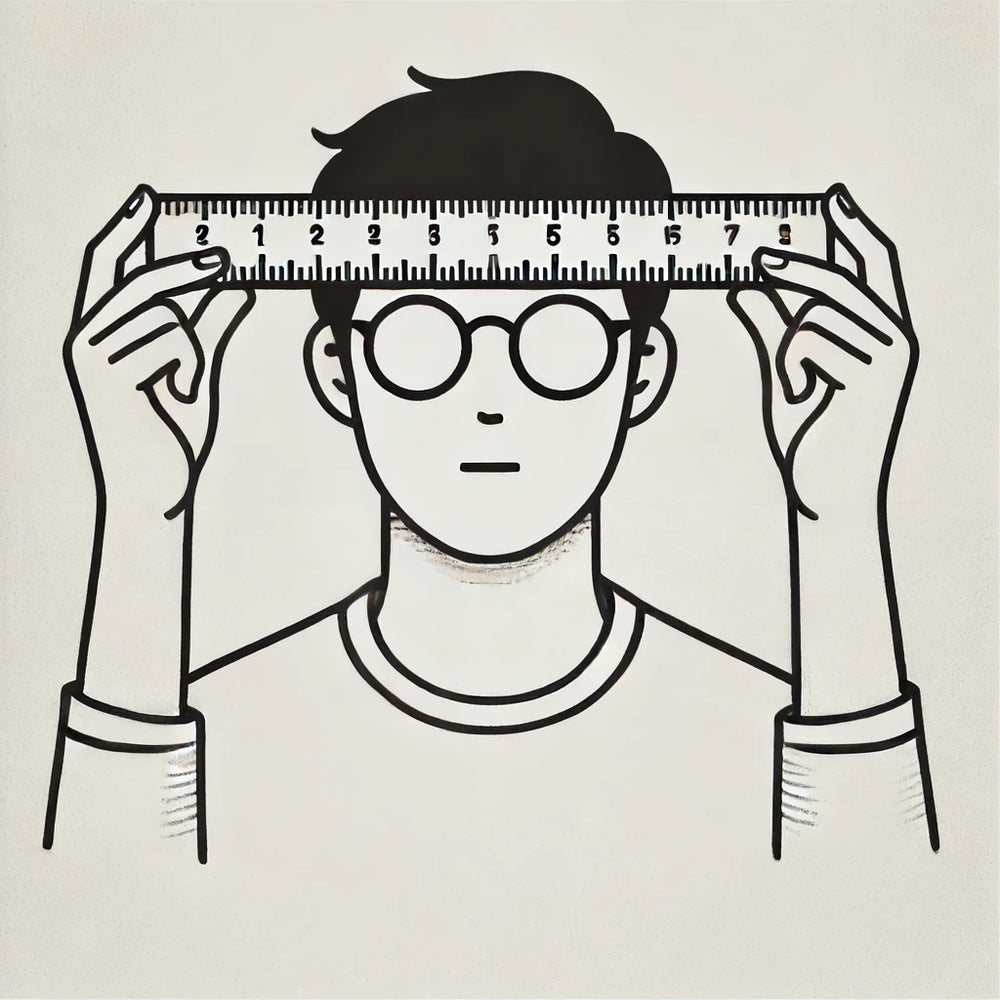
Step 3
Hold the ruler horizontally across your forehead, just above your eyeglasses, as shown. Keep your head straight, your eyes level with the camera, and look directly into the camera lens.
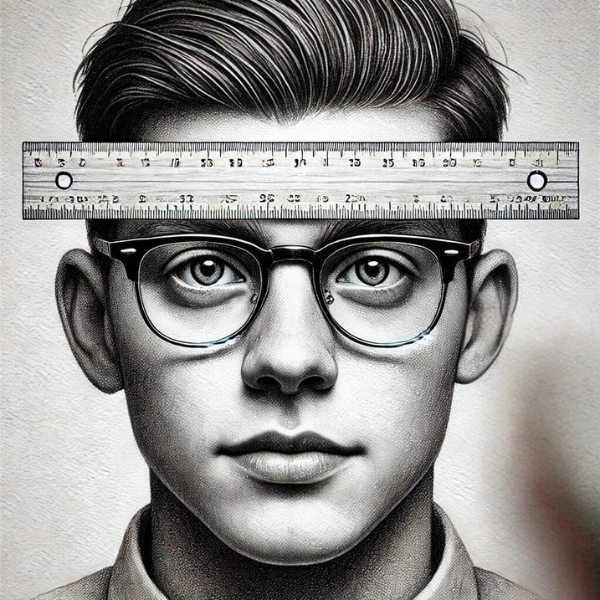
Step 4
Take several photos. Choose the clearest ones, with the ruler markings and both pupils in focus. Use the form at the top of this page to submit your photos.