
Clear lenses
Untinted lenses for everyday wear. Choose from the available coatings and extras.
A simple guide to your custom glasses
Choose a frame. Customize the lenses. Review your pair before you order.
Before you start
Find a frame you like, select its colour, then click “Make this pair yours” to open the lens builder.
Check the nose bridge and temple length on the frame page. These measurements stay the same when you adjust the lenses.
Customize your lenses
The builder guides you through each choice. For non-prescription glasses, it skips the prescription step.
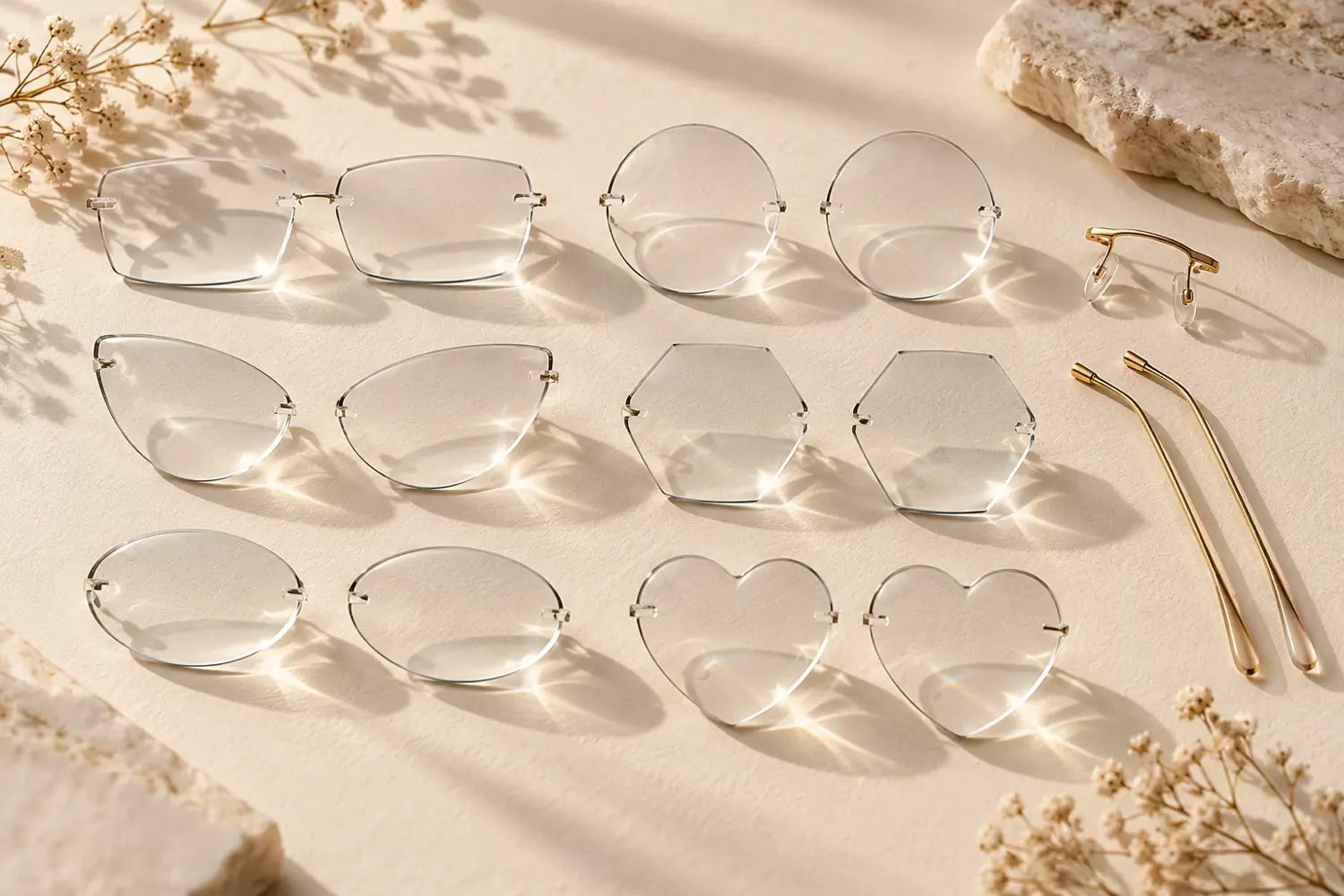
Browse the shape gallery and select the shape you like. You can also choose the custom-shape option if you have your own design.
The lens shape in the frame photo is just an example.
Browse lens shapesSet the overall width, then adjust the lens height in millimeters. Use the preview to compare the proportions.
Not sure about your size? Start with the size guide or ask us for help.
Open the size guideChoose prescription or non-prescription lenses. For a prescription, select single vision, progressive or bifocal lenses, then choose the available lens thickness.
Use your prescription and your optician’s advice to choose the right type.
Choose clear, sun or light-adaptive lenses. Add your preferred tint, finish and available coatings.
Each option shows its price before you continue.
See lens options belowUpload a clear photo or PDF, enter the numbers manually, or choose “Send later”. Add your pupillary distance (PD), or select “I don’t know my PD”.
Ordering non-prescription lenses? You skip this step.
Check your frame, shape, size, lens options and total price. Add any special instructions, then add your glasses to the bag and check out.
You can go back and change your choices before adding to the bag.
Pupillary distance (PD) is the distance between your pupils, measured in millimeters. Use the value from your prescription or optician. If you do not know it yet, you can provide it after ordering. We need it before making prescription lenses.
Yes. Choose the custom-shape option in the builder and contact us with your design and measurements. The custom-shape charge appears in your total. We will need to confirm the design before making it.
The preview helps you compare shape and size. It is not an exact measurement of how the glasses will fit your face. Check your measurements and ask us if you need help choosing a size.
Start with a frame, or try different lens shapes and sizes first.
Ask us a question